

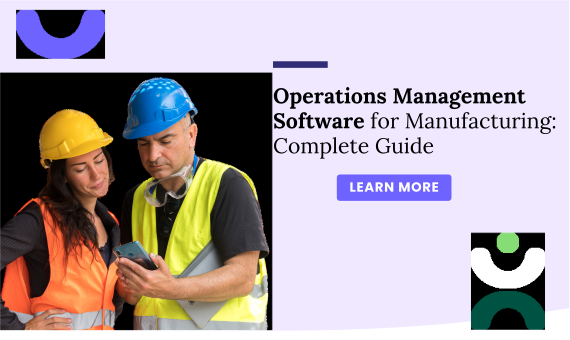
Operations Management Software for Manufacturing: Complete Guide
Learn how manufacturing operations software helps track production, reduce downtime, improve quality, and...

We help teams track critical metrics and trends with real-time visibility to support faster, smarter operational decisions.

Performance data shouldn’t be scattered across tools. We centralize metrics and visibility so teams can understand what’s working, what’s not, and where to focus next.

Define and track what matters most.
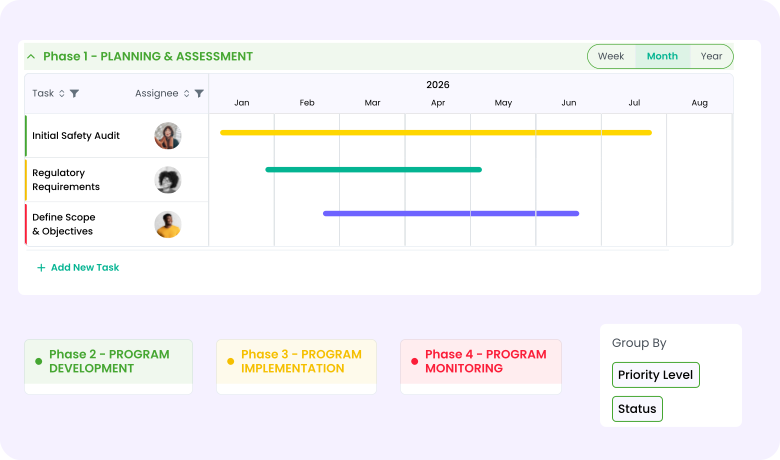
AI aids teams throughout the CAPA lifecycle.

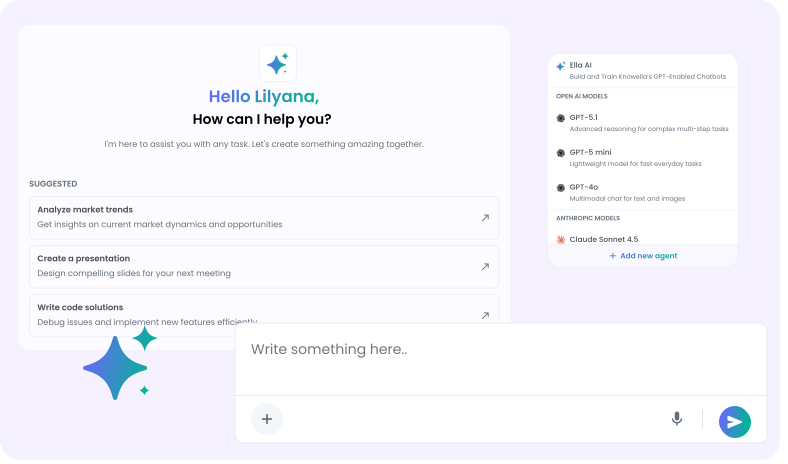
Intelligent support helps surface what matters.
Turn metrics into decisions.
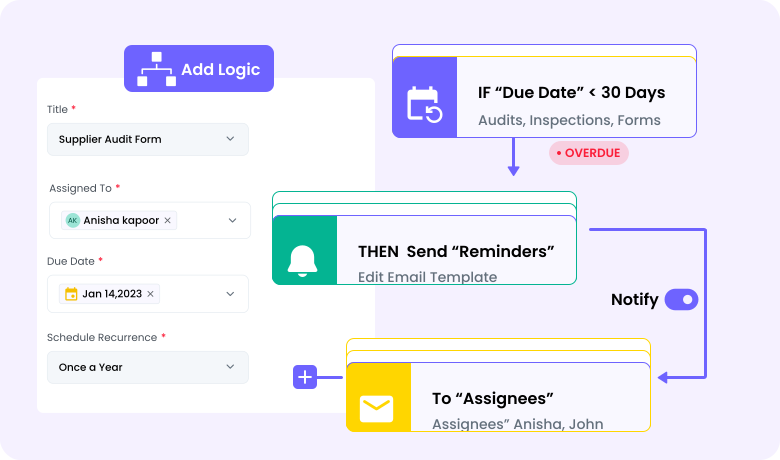
We’ve put together the most common questions to help you get started quickly.
Knowella brings work, data, and workflows together in one place so teams can reduce manual chasing, spot issues early, and stay aligned across safety, supply chain, quality, and operations.
Knowella is meant to complement or replace spreadsheets and disconnected tools where work lives today. You can integrate it with existing systems or use it as a central platform depending on your needs.
Yes, Knowella can connect with systems like ERP, TMS, WMS, and other data sources. This brings your existing data into a unified view without rebuilding where your data lives.
Minimal IT support is needed. Most teams configure forms, workflows, and dashboards on their own with guidance from our onboarding team.
Many teams start with one use case and begin seeing clarity and time savings within a few weeks of setup.
Pick pre-built templates, adapt them easily, and deploy organization-wide to improve operational efficiency quickly.
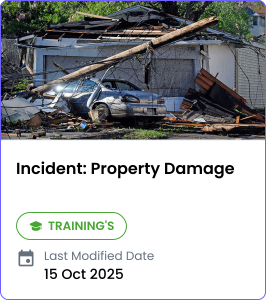
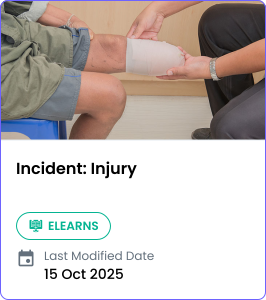
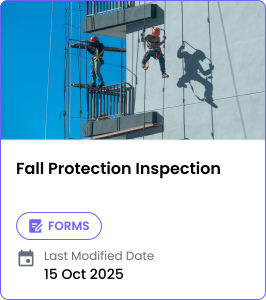
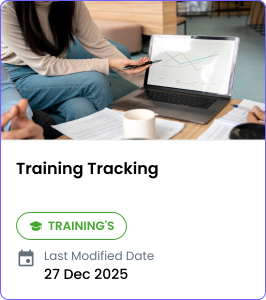
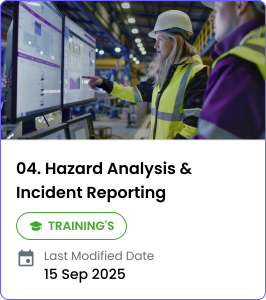
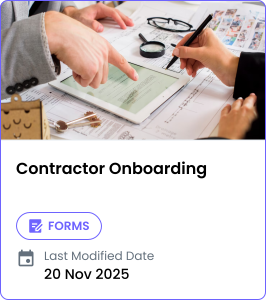
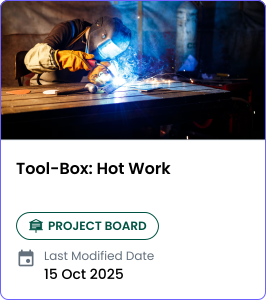
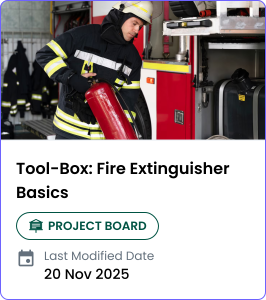
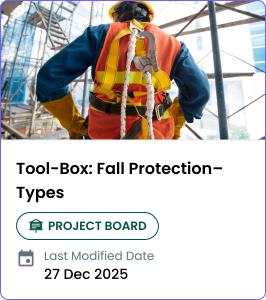
Fresh perspectives on how teams simplify work, improve visibility, and move faster.
Short reads on how teams simplify work and make better decisions.
Request a customized demo and understand how our tools align seamlessly with your workflows and industry needs.

Ask me anything about Knowella
I'm the Knowella AI assistant. I can help you learn about our products, services, and solutions.
FREQUENTLY ASKED
Powered by Knowella AI Inc. Ella-Chatbot is a preview feature. Inputs may be used to improve the feature. AI-generated outputs may be inaccurate; verify before use. Do not share sensitive information here.