

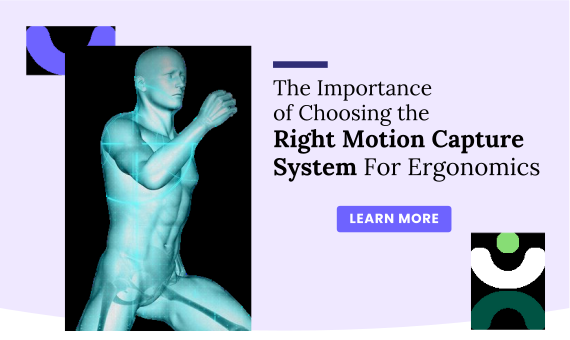
The Importance Of Choosing The Right Motion Capture System For Ergonomics
Find out how the right motion capture system boosts ergonomics Make smarter choices...

We help teams identify ergonomic risks, assess exposure, and take corrective action early so injuries are prevented and workers stay healthy.
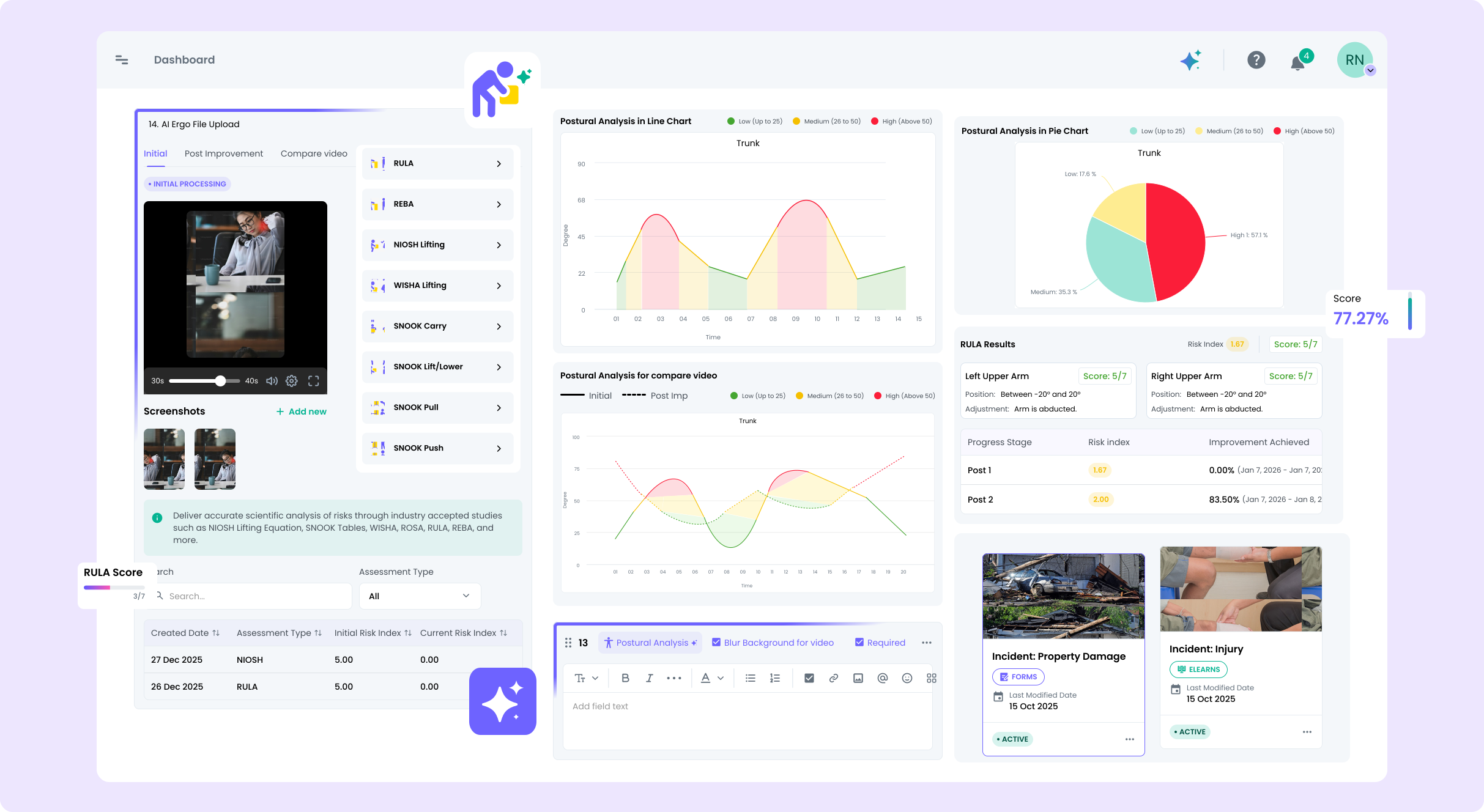
Ergonomic risk shouldn’t be invisible. We bring structure and visibility to how teams assess, track, and improve ergonomic conditions across daily work.
Identify ergonomic risks early and take action to prevent injuries and strain across daily work.
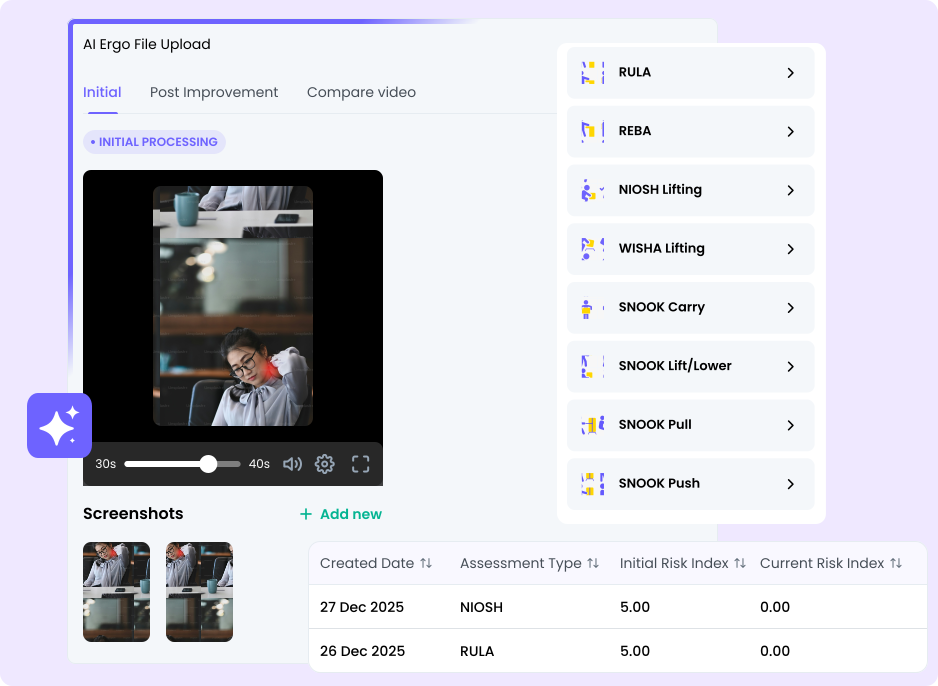
Intelligent support highlights risk and next steps.
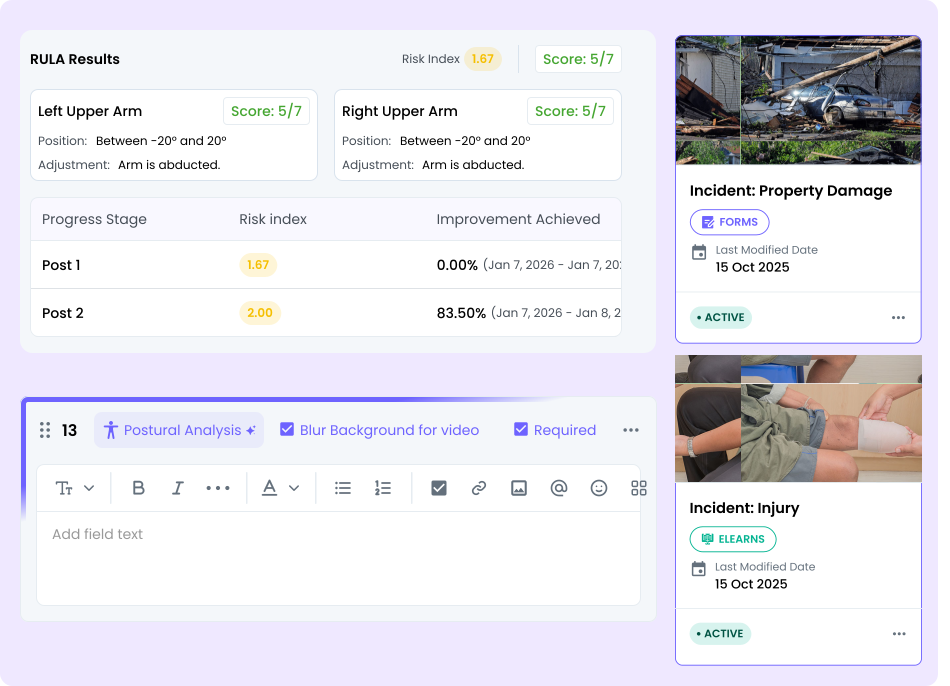
Intelligent support highlights risk and next steps.
Automatically route ergonomic findings into corrective actions, approvals, and follow-ups so issues are addressed quickly and consistently.
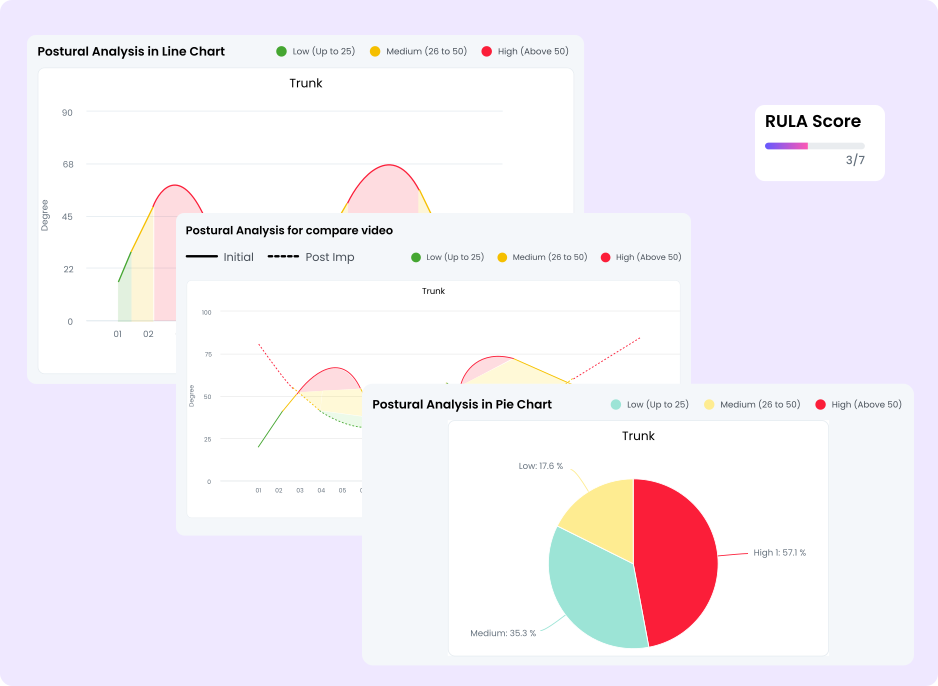
Replace manual steps with streamlined workflows. Automation makes workplace operations faster, more reliable, and easier for your entire team.












We’ve put together the most common questions to help you get started quickly.
It helps teams identify ergonomic risks early, assess exposure, and take corrective actions so injuries are prevented and workers stay healthy. It turns what was once manual observation into structured, data-backed insights.
The system captures posture and movement, then uses intelligent analysis to spot high-risk movements, flag poor postures, and highlight areas needing attention.
Yes. The AI flags high-risk postures and surfaces suggestions for corrective steps, which helps teams prioritize what needs to change first.
It supports task and workstation assessments, posture and motion capture, contributing factor recording, and recurring risk pattern detection.
Dashboards show risk levels, track assessments and corrective actions over time, and let you export reports for deeper analysis or compliance needs.
No. Ergonomics assessments can work with normal video footage — whether from smartphones, webcams, or existing cameras — depending on the setup.
With AI, assessments that used to take hours can now be completed in minutes, delivering posture scores and insights almost instantly.
Yes. By proactively spotting ergonomic risks and enabling corrective action, it supports reduction of musculoskeletal disorders and other injuries before they occur.
Absolutely — manufacturing, warehousing, logistics, office work, healthcare, and more benefit from objective ergonomic risk scoring and guidance.
Yes. You can monitor improvement trends, compare risk levels by shift, team, or location, and use that data to drive continuous ergonomic improvements.
Yes. It can connect with other modules and systems so ergonomic data feeds into a broader risk, safety, and operations management view.
The platform benchmarks assessments against ergonomic standards and provides structured documentation that simplifies reporting and compliance tracking.

Fresh perspectives on how teams simplify work, improve visibility, and move faster.
Short reads on how teams simplify work and make better decisions.
Request a customized demo and understand how our tools align seamlessly with your workflows and industry needs.

Ask me anything about Knowella
I'm the Knowella AI assistant. I can help you learn about our products, services, and solutions.
FREQUENTLY ASKED
Powered by Knowella AI Inc. Ella-Chatbot is a preview feature. Inputs may be used to improve the feature. AI-generated outputs may be inaccurate; verify before use. Do not share sensitive information here.