How Workflow Automation Can Improve Operations: A Strategic Guide for Your Business

- Published On:
- Workflow Management
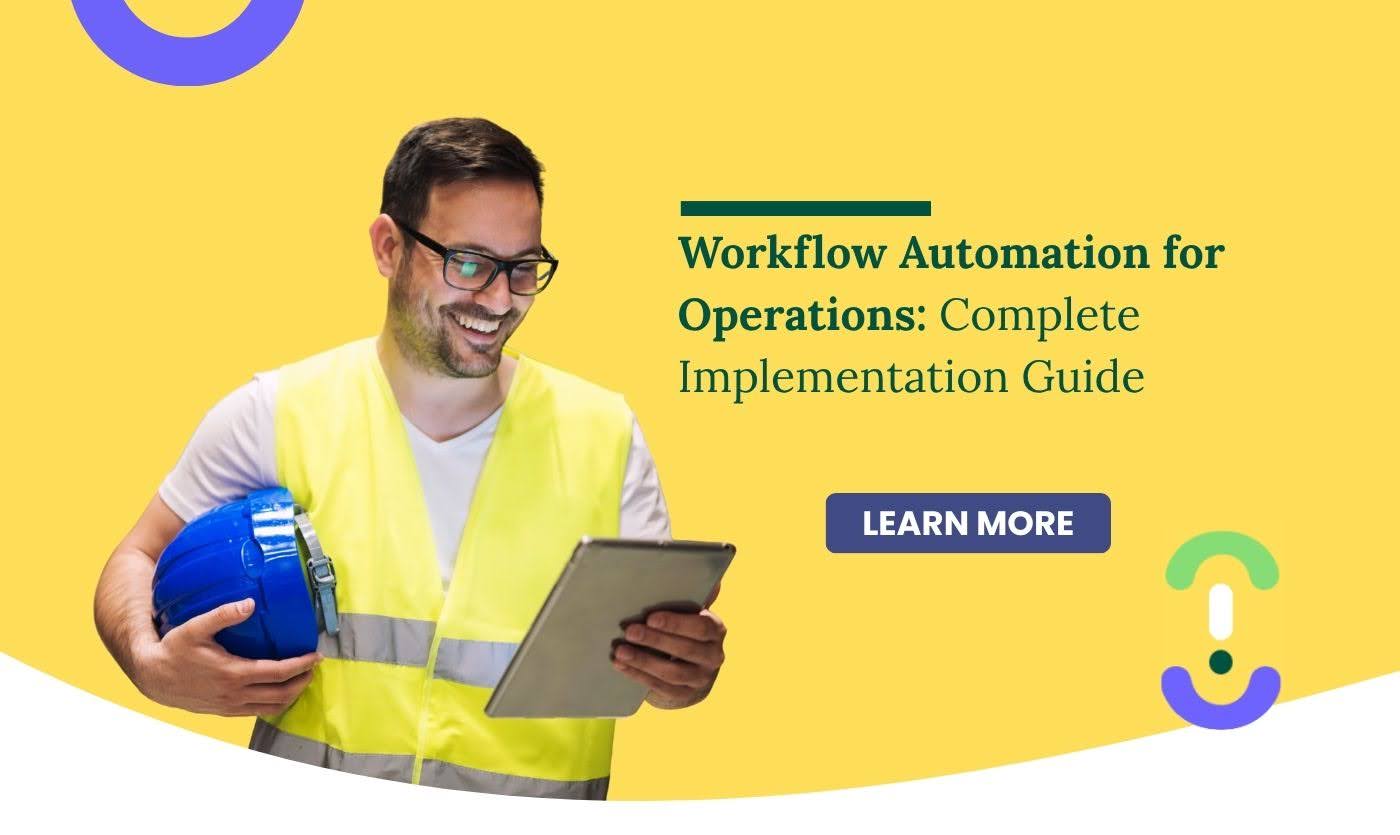
- Workflow automation replaces manual, inconsistent tasks with structured digital workflows that move forward automatically.
- Operations teams gain smoother task flow, fewer delays, and clearer visibility across shifts and sites.
- Digitising inspections, safety reporting, onboarding, approvals, and the supply chain improves accuracy and reduces compliance gaps.
- Automation cuts repetitive admin work, reduces errors, and boosts productivity by 40–60%.
- A gradual, no-code rollout makes it easy for teams to adopt and scale automated workflows without disruption.
Operations teams handle hundreds of essential tasks each week inspections, approvals, safety checks, onboarding steps, and vendor communication. When these tasks rely on manual follow-ups, scattered documents, or memory, delays appear quickly. Workflow automation helps remove that friction. Instead of chasing information, teams follow structured digital processes that move work forward automatically, making operations calmer, faster, and more consistent.
Workflow automation converts routine processes into digital flows that guide a task from start to finish. Once steps are defined, the system handles routing, data capture, notifications, and documentation without needing repeated manual coordination.
For instance, a safety inspection that once lived on paper now runs through a digital sequence: the operator completes the checklist, attaches photos, submits the record, and the workflow alerts the right supervisors instantly.
Tools such as Knowella’s App Builder, workflow automation engine, and real-time alerts make this possible, especially for work linked to incident management, digital inspections, and compliance tracking.
Verified research shows how impactful this shift is. 66% of workers report higher productivity after adopting automation, and organisations typically experience a 40%–60% efficiency improvement once repetitive tasks are digitised.
Why workflow automation matters in operations
Manual processes introduce uncertainty. A missed approval, a forgotten inspection, or an unreported hazard can create operational delays or risk. Automation solves this by ensuring that every step progresses, every update is recorded, and every exception is visible in real time.
It also helps standardise how work flows across shifts and teams. Instead of each person following their own style, a defined digital path ensures consistency. Managers gain clearer visibility, frontline teams avoid unnecessary back-and-forth, and compliance trails remain intact. Over time, this builds operational stability and reduces the everyday friction that slows productivity.
Manual vs Automated Operations
Area | Manual Approach | Automated Approach |
Task progression | Depends on reminders | Moves forward automatically |
Accuracy | Incomplete or inconsistent data | Structured fields ensure accuracy |
Communication | Spread across tools | Centralised and real-time |
Compliance | Missing paperwork | Full digital audit trail |
Scalability | Harder as teams grow | Easy to replicate across sites |
These improvements become especially visible in processes linked to inspection management, SOP execution, task follow-ups, and incident tracking.
Key benefits once workflows are automated
Once teams shift away from manual coordination, the improvements become visible quickly. Tasks start moving faster, updates are clearer, and compliance work becomes easier because everything is captured automatically. Over time, automation forms the backbone of predictable, stable operations.
Key benefits once workflows are automated
- Faster task completion without repeated follow-ups
- Smoother communication across teams and shifts
- Lower error rates due to structured data capture
- Better visibility for supervisors in real time
- Reduced delays and fewer operational bottlenecks
- Easier training because processes follow predictable steps
- Less administrative burden on frontline teams
- Stronger compliance due to automatic documentation
- Improved overall quality and consistency across workflows
Where automation fits naturally in your operations
Automation adds value anywhere work repeats and depends on correct sequencing.
Onboarding improves when every form, training module, and approval flow is digital. Approvals move faster when the workflow automatically notifies the right manager. Safety improves when observations and incidents follow standard formats, supported by tools such as digital toolbox talks.
Manufacturing teams experience a strong impact when automating inspections, maintenance, and checks across the supply chain, where delays can cause production bottlenecks. Field operations benefit when routing, documentation, and photo capture run through structured workflows.
How to implement workflow automation without disrupting your operations
A smooth rollout starts with one workflow, the one that causes the most friction. It could be approvals, onboarding steps, incident reporting, or standard inspections.
Digitise it using a no-code tool, test it with a small group, collect feedback, and refine the flow. Once teams become comfortable, expand it to other shifts, departments, or sites.
Knowella’s App Builder makes this process faster because operations teams can visually design workflows without developers. Many organisations begin with inspections or safety reporting and then extend automation to areas like incident management and compliance.
Common challenges and simple ways to avoid them
Transitioning from manual processes to automated workflows can feel unfamiliar at first. Some teams may worry that the tools will replace their judgment, when in reality, automation removes repetitive tasks so people can focus on work that requires skill and attention. The smoothest transitions happen when organisations simplify a process before digitising it, keep steps clear, and choose tools that frontline teams can adapt to easily.
The most common challenges include:
- Resistance to change when teams are used to manual routines
- Automating unclear or overly complicated processes
- Difficulties integrating automation with existing systems
- Over-automation that removes necessary human input
- Confusion due to complex tools that require technical expertise
Knowella makes this transition easier through features such as real-time camera alerts and AI-supported ergonomic assessments. These additions help teams see automation as practical support rather than a burden, especially in environments where safety and compliance depend on timely action.
How to measure the success of workflow automation
Success is visible in the everyday rhythm of operations: fewer delays, more consistent outputs, smoother coordination, and better compliance.
You’ll notice people spending less time on repetitive administration and more time on meaningful work.
Track improvements such as:
- Time saved per workflow
- Fewer errors or missing steps
- On-time incident and inspection closure rates
- Reduced downtime
- Better audit readiness
Looking ahead: the future of operational workflows
Workflows are becoming more intelligent. Instead of just moving tasks forward, workflow automation will help teams predict delays, identify risks, and make better decisions.
More organisations are embracing connected systems that unify safety, quality, maintenance, and the supply chain in one place.
Knowella already follows this direction with integrated safety alerts, ergonomic tools, operational workflows, and compliance systems, helping organisations shift from reactive work to proactive operations.
Conclusion
Workflow automation gives operations teams a more structured, predictable way to work. By reducing manual coordination, improving visibility, and standardising processes, it helps teams operate smoothly across shifts and sites. When workflows run reliably in the background, people can focus on real problem-solving rather than repetitive tasks.
With the right tools and a thoughtful rollout, automation creates long-term operational stability, not just a faster process, but a more confident, resilient way of working.
Frequently Asked Questions
It is the process of turning repeatable tasks into digital workflows that move forward automatically, reducing manual effort.
It improves predictability, reduces delays, and creates clear visibility across everyday tasks.
Start with inspections, onboarding, approvals, safety reporting, or workflows in the supply chain.
Evaluate time saved, error reduction, on-time compliance, and workflow completion patterns.
No-code systems allow operations teams to build and update workflows without technical expertise.
Our tailored solutions address your industry’s distinct challenges, fostering growth and compliance.

Your Journey Starts with Knowella
Revolutionize your operations today with Knowella. Experience unparalleled efficiency, safety, and quality as you empower
your teams with the tools to excel. Elevate your business to new heights; explore Knowella now.

QA prevents defects through process design. QC detects defects through inspection. See the 5 key differences between quality assurance and quality control.

Achieve OSHA compliance in construction with steps for safety programs, training, and inspections.

Automate OSHA safety tracking, training records, and inspections for manufacturing facilities.