Step 1 Of 6
Order In, Rate Confirmed
Orders arrive as emails, PDFs or EDI. The crew reads them, fills the fields, checks the contract price and creates a clean order in your system.
 Run It · KnowLogistics
KnowLogistics puts an AI crew to work on every load: capturing orders, sourcing and tendering vetted carriers, booking docks, tracking every truck and catching what slips. Your team sees it all in one Control Tower and approves only what matters.
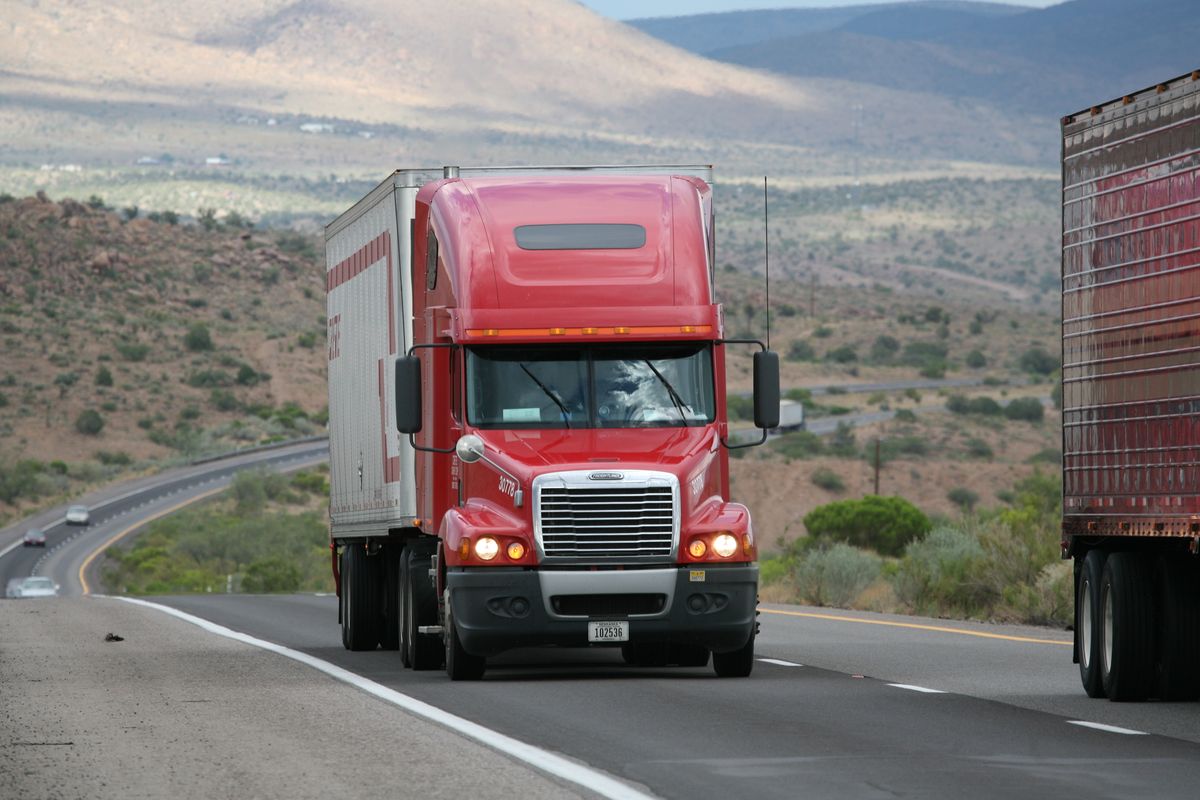
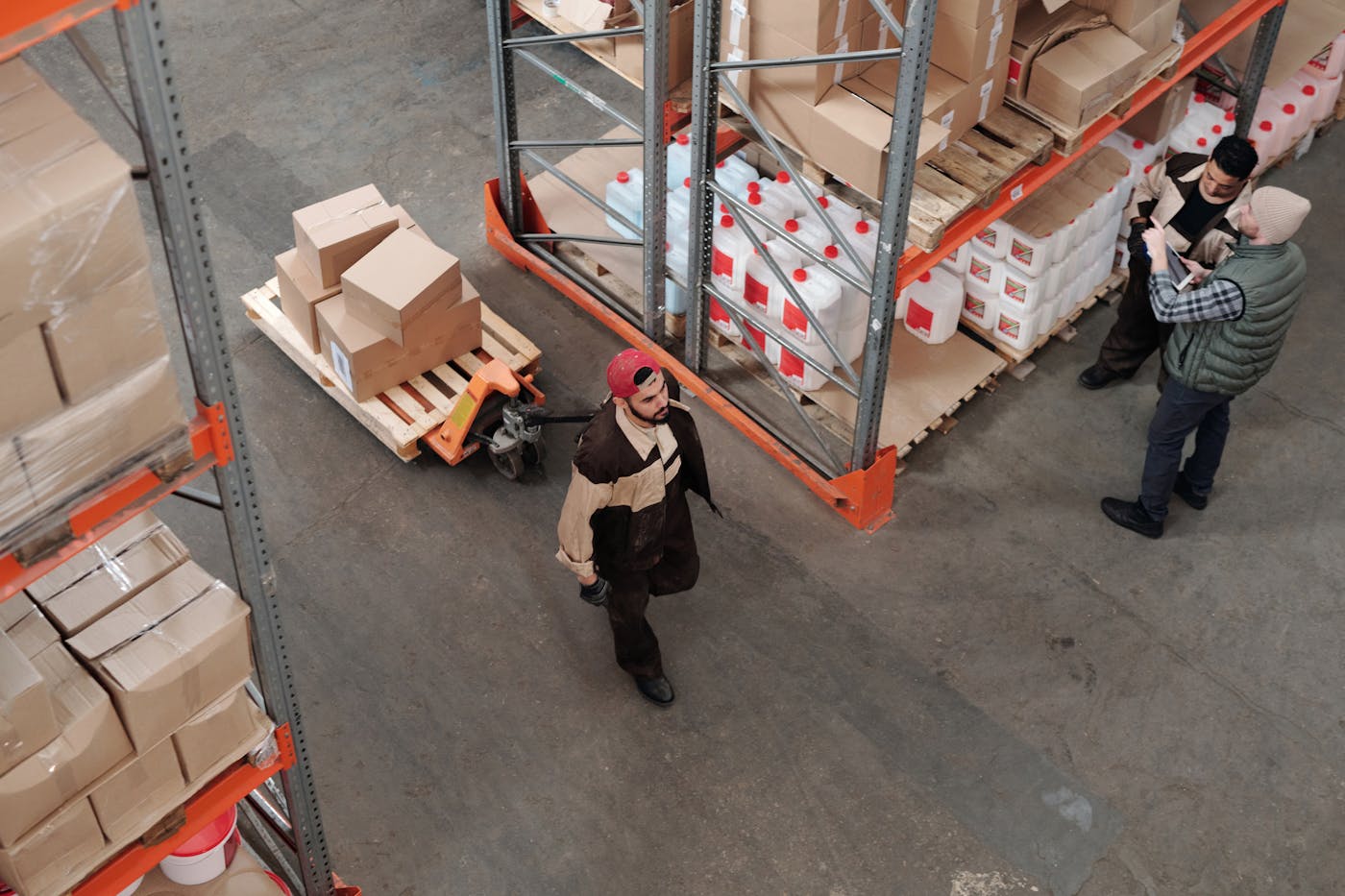
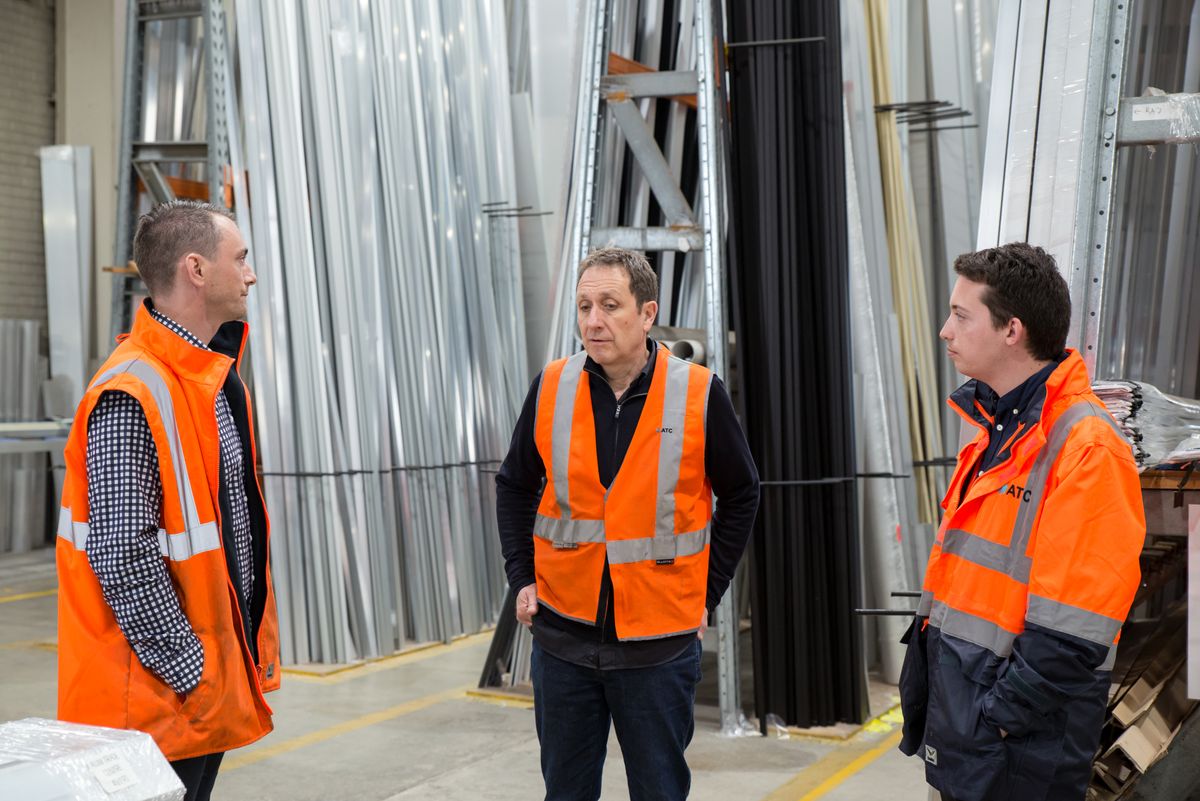
Most of a logistics team's day goes to follow-up: retyping orders from emails and PDFs, emailing carriers one by one, chasing driver details and dock appointments, making check calls, and updating the transportation system by hand. Status lives in inboxes and people's heads, so late loads surface when the customer calls. As volume grows, the only answer is more people.
One Control Tower

Orders arrive as emails, PDFs or EDI. The crew reads them, fills the fields, checks the contract price and creates a clean order in your system.
Vetted carriers are tendered in a waterfall you set. Declines move to the next carrier on their own, and a backup is lined up before you need it.
Pickup and delivery appointments are booked in the shipper's and receiver's portals, the BOL is generated, and the driver gets the details.
GPS, ELD, driver texts and carrier check-ins feed one ETA. No check calls from your team, and the customer portal stays current.
A late truck or a silent carrier becomes an exception. The crew calls, rebooks the dock, gets a new ETA, and asks you before the customer hears anything.
Picked-up and delivered counts are reconciled, shorts and overs flagged, the customer told, and the load handed to KnowDoc with the POD attached.
Fourteen loads ordered, covered, scheduled and tracked. Your team sees one line: load 4819, dock rebooked, customer update waiting.
Why teams switch
Tracking faster is not the goal. A customer who never has to ask where the truck is, a carrier covered before the planner sits down, and a team that grows loads without growing headcount: that is the goal. KnowLogistics is built for that.
Orders become tenders the moment they land. Vetted carriers answer in a waterfall you set, and a backup is already warm.
GPS, ELD, driver texts and carrier emails feed one ETA. The crew makes the calls that are still needed.
A late truck, a silent carrier, a moved dock: the crew works it and brings you one decision, not a thread of emails.
Tenders, schedule changes and customer updates can all wait for a person. The crew drafts. Your team decides.
What's inside
Order capture, network planning, carrier sourcing and tendering, dock and driver scheduling, track and trace, freight conversions and closeout analytics. Each part is a feature. Together they are the reason a load runs itself.
Order intake, Carriers, Tracking, Exceptions and Systems: five agents, each with one job, working every load together behind Ella, the Control Tower.
Where is 4821, which carriers went silent this week, what is uncovered for Monday. Type the question; jump straight to the load.
Customer emails, PDFs, spreadsheets, EDI tenders and portal pulls. Fields filled, contract price checked, one order out.
Load boards and carrier verification feed the search. Authority, insurance and your own history on the lane are checked before a tender goes out.
Load 4819 is running 40 minutes behind. Can we move the 2:30 appointment? Dock 3 at 3:10 pm works. Thank you.
Check calls, dock rebooks and driver follow-ups by voice, SMS and email, each one logged on the load with the outcome.
Live position, ETA, documents and updates per order. Customers stop calling because the answer is already there.
Picked-up versus delivered, shorts and overs flagged, POD attached, and the load handed to KnowDoc ready to audit.
Status per load, who it is waiting on, every touch logged, plus closeout analytics: carrier scores, late lanes and the ones you keep underpricing.
Your rules, your control
Two links, two audiences
| Status | ETA | Updated |
|---|---|---|
| Moving · on time | 2:40 pm | 11:40 am |
| Picked up | 18 pallets | 7:48 am |
| Dock | Dock 3 · 2:30 pm | Booked |
Who it's for

"I want loads covered fast at good rates, with carriers I would trust with my own freight."
Vetted carriers tendered in a waterfall, backups held, rate confirmations signed before you look up.

"My reps spend the day on check calls, status emails and appointment portals. None of that is why I hired them."
Tracking, updates and docks handled by the crew. Reps work exceptions and customers.

"Inbound shows up when it shows up. I find out when the dock is already jammed."
Appointments booked and rebooked by the crew, ETAs that hold, and docks that stay clear.
Fits what you run
Your transportation system stays the source of truth, connected through its API or EDI, or by a bot with your credentials where there is neither. Orders arrive by email, PDF and EDI. Carriers and drivers are reached by email, voice and SMS. Docks are booked in the portals you already use. Nothing to re-key, nothing to replace.
KnowLogisticsKnowRFP wins the freight, KnowLogistics runs it, and KnowDoc closes the paperwork. Use one, or connect all three so every load flows from quote to paid invoice.

Win It
Answer every quote and RFP faster, priced against your carrier contracts.
Explore →
Run It
Cover, track, and recover every load with Ella's crew.
You're Here
Close It
Split, validate, and settle the paperwork, fast.
Explore →No. It works on top of it through its API or EDI and keeps it up to date, with a bot using your credentials where there is neither.
No. Agents reach carriers by email, SMS, voice and EDI, the way they already work.
Only if you want them to. Customer communication can stay with your team, or wait for your approval before it goes out.
Yes. Many teams start with track and trace or carrier sourcing, then add order intake, appointments and closeout.
They catch at-risk loads, call the carrier or receiver, get a new ETA and rebook the appointment, and flag anything that needs a person.
Yes. Every call, email, update and decision is logged against the load, so anyone can pick it up.
Quotes won in KnowRFP become orders here. Delivered loads hand off to KnowDoc with the POD attached, ready to audit and close.
Resources
Questions, tips and polls from people who run KnowLogistics every day. Ask how they set it up, what they automated first and what they would skip.
Join the discussion