Compliance Dashboard: Real-Time Regulatory Monitoring Solutions

- Published On:
- Audit Management
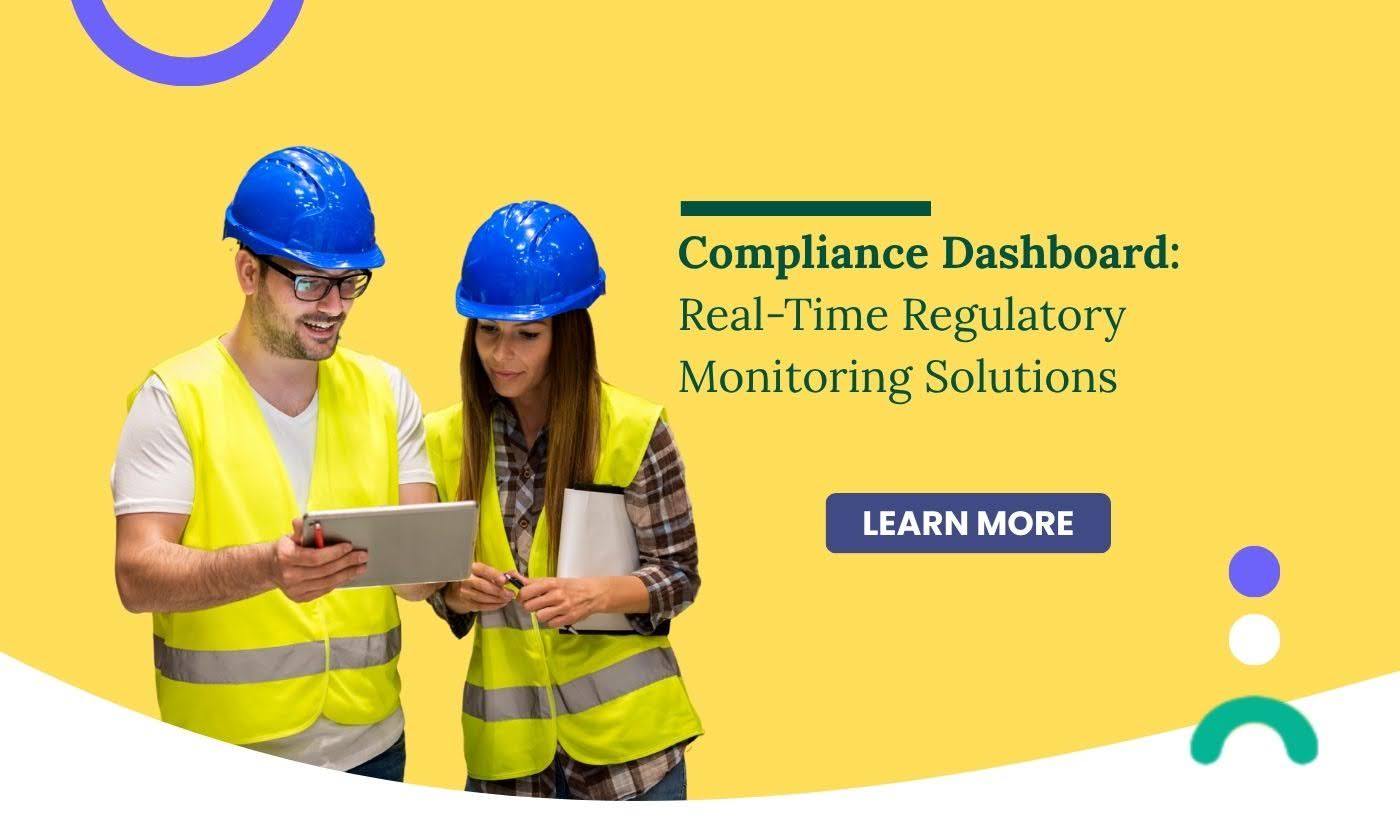
- Real-time compliance dashboards show tasks, risks, deadlines, and evidence in one place so teams stay aligned.
- Compliance management software automates tracking, reporting, and corrective actions across departments.
- Platforms like Compliance Management, Audit Management, and Document Management reduce violations and support continuous audit readiness.
- Dashboards help teams act faster, reduce manual effort, and maintain consistent regulatory performance.
Compliance work becomes challenging when tasks, documentation, and audit updates are scattered across spreadsheets, emails, and shared folders. A real-time compliance dashboard solves this by consolidating requirements, corrective actions, evidence, and risk indicators into one unified screen. With the right compliance management software, teams reduce manual work, respond faster to regulatory demands, and maintain readiness throughout the year.
Platforms like Knowella simplify compliance with real-time dashboards, workflow automation, mobile data capture, and structured reporting across safety, operations, supply chain, and quality programs.
Why organizations search for compliance tracking software
Teams search for compliance tracking software because manual reporting introduces delays, inconsistencies, and missed updates. When information lives in spreadsheets or email threads, identifying risks becomes difficult. A consolidated system helps teams track requirements, monitor corrective actions, and record evidence in real time. This results in fewer errors, stronger communication, and easier audits.
What Is a Compliance Dashboard
A compliance dashboard is a centralized view that displays regulatory tasks, documentation readiness, audit status, and risk indicators in real time. It helps teams see exactly what requires attention and which areas are on track. With Compliance Management, organizations gain a reliable source of truth instead of juggling multiple fragmented tools.
What Does a Compliance Dashboard Do
A compliance dashboard tracks requirements, deadlines, risks, and audit readiness across the organization using real-time indicators. It collects data from digital forms, workflows, incident reports, and documents created through tools such as Forms Management and Document Management.
It helps teams:
- Monitor all regulatory tasks in one place
- Identify overdue or high-risk items quickly.
- Track corrective and preventive actions.
- Maintain clean audit trails with attached proof.
- Strengthen decision-making through live analytics.
Types of Compliance Dashboards
Different dashboards serve different regulatory and operational needs.
Here are the most common types of organizations that rely on:
1. Regulatory Compliance Dashboard
Tracks compliance against ISO, OSHA, HACCP, COR, and other frameworks. Shows requirement status, documentation, and readiness for certification.
2. Safety and Incident Compliance Dashboard
Uses data from tools like Incident Management and Risk Management to monitor risks, hazards, near misses, incident closures, and CAPA progress.
3. Audit and Inspection Dashboard
Integrates audit tasks, findings, inspection results, and corrective actions through Audit Management.
4. Training and Certification Dashboard
Tracks certification status, training completion, and skill gaps using Worker Certification and Training Records.
5. Supplier and Quality Compliance Dashboard
Supports supply chain and quality teams with real-time visibility across supplier documents, quality checks, and compliance findings through Supplier Management and Quality Management.
Key capabilities included in modern compliance monitoring
Modern compliance monitoring depends on automation, structured data, and instant visibility. Below are the capabilities teams expect in a strong compliance solution:
Automated task routing
Workflows route tasks to the correct owners without manual reminders. This eliminates delays and keeps corrective actions moving consistently across departments.
Real-time evidence tracking
Teams attach forms, documents, photos, and records directly to each requirement. Tools like Document Management help maintain organized audit trails.
Corrective and preventive action monitoring
CAPAs created through Corrective Preventive Actions stay visible until fully resolved. This ensures issues are addressed before they escalate.
Mobile-first reporting
Compliance data captured through mobile tools allows frontline teams to submit incidents, inspections, and findings on the go. This reduces reporting delays and strengthens accuracy.
Analytics and reporting
Dashboards display trends across incidents, training, audits, and supplier performance. Leaders make informed decisions based on current activity rather than outdated reports.
What a real-time compliance dashboard should display
A real-time dashboard gives compliance leaders a clear overview of operational risks and regulatory status. With tools like Compliance Management and Audit Management, teams track the full lifecycle of compliance work without manual spreadsheets.
Key elements a dashboard should show.
- Status of all compliance tasks
Gives supervisors a view of completed, pending, and overdue requirements, helping them prioritize follow-ups. - Corrective and preventive action progress
Shows which CAPAs from Corrective and Preventive Actions are in progress and what remains unresolved. - Incident and risk trends
Integrates data from Incident Management and Risk Management to highlight recurring issues. - Training and certification completeness
Links with Worker Certification and Training Records to ensure teams meet competency requirements. - Evidence readiness for audits
Shows whether documentation, attachments, SOPs, and inspection reports are available and updated.
Which business processes benefit most from compliance reporting software
Safety inspections and incident reporting
Automated forms and workflows speed up reporting and ensure no finding gets overlooked. This supports a stronger safety culture.
Operational audits and internal reviews
Using Audit Management, teams track review cycles, findings, and follow-up actions with clarity.
Training and certification compliance
Training dashboards prevent expired credentials and help supervisors plan.
Supplier and quality compliance
Teams monitor supplier documents, performance, and quality checks through Supplier Management and Quality Management.
ISO and regulatory compliance programs
Compliance software simplifies requirement tracking, evidence collection, and certification workflows.
Table: Traditional compliance vs automated no-code compliance
Area | Traditional Approach | Automated No-Code Approach |
Data Collection | Spreadsheets and manual notes | Mobile forms and automated inputs |
Task Routing | Email follow-ups | Workflow-based routing |
Reporting | Static monthly reports | Real-time dashboards |
Evidence | Scattered in folders | Centralized and linked |
Audit Readiness | Last-minute preparation | Continuous readiness |
Risk Visibility | Limited | Clear and ongoing |
Benefits of a Compliance Dashboard
Real-Time Visibility
Teams see all tasks, deadlines, and risks instantly, which helps them prioritize work more efficiently. This reduces blind spots and keeps compliance efforts on track.
Better Audit Readiness
Evidence and documents stay organized with Document Management, making audit preparation smoother. Supervisors always know what is complete and what needs updating.
Lower Risk of Violations
Built-in alerts from Compliance Management notify teams of overdue tasks or missing steps. This reduces the chances of penalties or non-compliance findings.
Improved Collaboration
Teams work from the same dashboard, which removes confusion and improves communication. Everyone stays aligned on what must be done and who is responsible.
Reduced Manual Work
Digital forms, automated routing, and structured dashboards remove repetitive tracking tasks. Teams save time and focus more on analysis, improvement, and risk control.
Conclusion
A compliance dashboard centralizes regulatory tasks, evidence, and risk indicators so teams stay aligned and audit-ready. Solutions like Compliance Management, Audit Management, and Document Management help organizations replace scattered spreadsheets with structured, automated processes. As compliance requirements expand, real-time dashboards ensure consistency, prevent violations, and keep operations moving smoothly.
Frequently Asked Questions
It should show task status, overdue requirements, CAPA progress, incident trends, training completion, and documentation readiness.
It centralizes evidence and task updates so teams avoid last-minute document collection.
Yes, dashboards can monitor ISO, OSHA, HACCP, COR, and industry-specific standards in one place.
Alerts for overdue tasks, incomplete documentation, unresolved corrective actions, and expiring certifications.
Continuous visibility helps teams act early, complete requirements on time, and maintain proper evidence.
Our tailored solutions address your industry’s distinct challenges, fostering growth and compliance.

Your Journey Starts with Knowella
Revolutionize your operations today with Knowella. Experience unparalleled efficiency, safety, and quality as you empower
your teams with the tools to excel. Elevate your business to new heights; explore Knowella now.

QA prevents defects through process design. QC detects defects through inspection. See the 5 key differences between quality assurance and quality control.
Achieve OSHA compliance in construction with steps for safety programs, training, and inspections.

Automate OSHA safety tracking, training records, and inspections for manufacturing facilities.